

Choosing an EMR feels overwhelming, doesn’t it? You’ve probably heard pitches from every software rep promising their system will “transform your agency.” But with dozens of options, how do you know which one is actually best for your home health team?
At The Home Health Consultant, we work with hundreds of home health agencies nationwide. We see firsthand which EMRs agencies stick with long-term, and which cause headaches that send owners searching for alternatives.
In this article, you’ll learn which software platforms are most popular among our customers. This includes:
-
their costs
-
important features
-
what you need to know before signing a contract
By the end, you'll have a road map for choosing the software that aligns with your budget, operations, and growth goals.
*This article was written in consultation with Mariam Treystman.
What’s the Most Popular Home Health Software Among Our Customers?
While we don’t have access to data on what software home health agencies are using nationally, we do have access to what software our customers are using. At the time of writing this article, the majority of our clients are California-based small-to-mid size agencies.
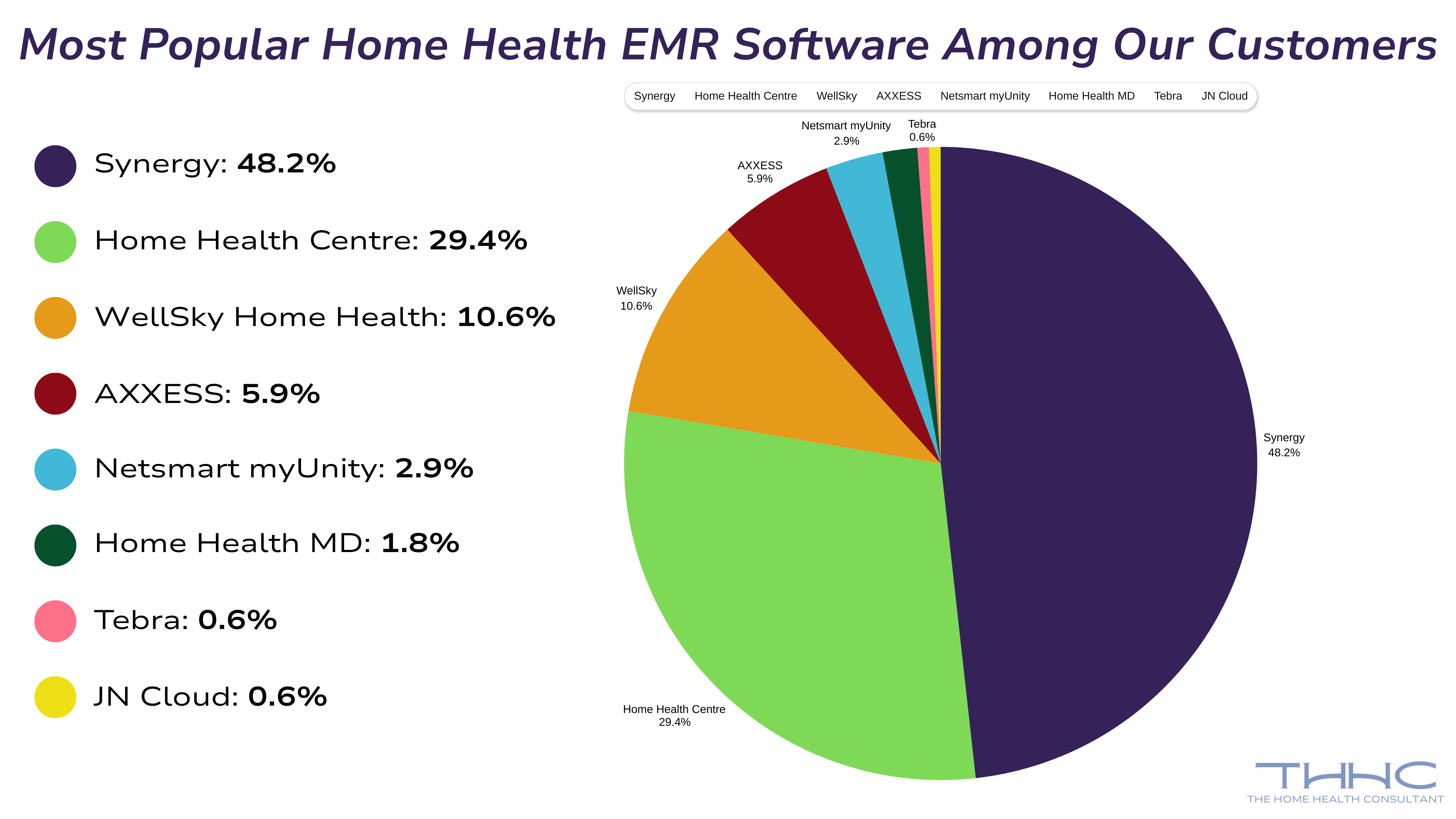
Here’s a breakdown of the most popular software among our clientele:
- 48.2% of our clients use Synergy
- 29.4% of our clients use Home Health Centre by Data Soft Logic
- 10.6% of our clients use WellSky (formerly Kinnser)
- 5.9% of our clients use AXXESS
- 2.9% of our clients use Netsmart myUnity (formerly Devero)
- 1.8% of our clients use Home Health MD
- 0.6% of our clients use Tebra
- 0.6% of our clients use JN Cloud (more focused on billing)
Now, we’ll break down the estimated pricing, features, and benefits of each of these software.
*This is not a comprehensive list of all home health EMR software. It’s a breakdown only of the software our clients use.
What Standard & Common Features Do All Home Health Software Have?
Even though every EMR looks a little different, the core functionality is almost identical. This is because all systems are built around the same Medicare Conditions of Participation and PDGM requirements. No matter the vendor, you’ll see the same foundation:
- An intake workflow that captures
- Demographics
- Insurance details
- Diagnoses
- Referral information
- Integrated OASIS assessments that drive
- Case-mix scoring
- The Plan of Care
- Discipline-specific visit notes that ensure required documentation elements are captured during each encounter
- Order management tools that track
- Plan of Care signatures
- Verbal orders
- Supplemental orders
- F2F tracking
- Miscellaneous tracking systems including
- Scheduling tools
- Frequency tracking
- Visit verification
- Documentation-status tracking
- Alerts for missing or expired credentials
- Basic quality measure reporting tied to HHVBP & QRP requirements
- Mobile access for staff who are always on the move
In short, the leading EMRs all cover the same 80% of what a Medicare-certified agency needs to operate. The real differences come down to usability, customization, the presence and quality of the mobile app, billing accuracy, and how supportive the vendor is when your team needs help.
HealthCare Synergy EMR: Cost, Pros, and Cons
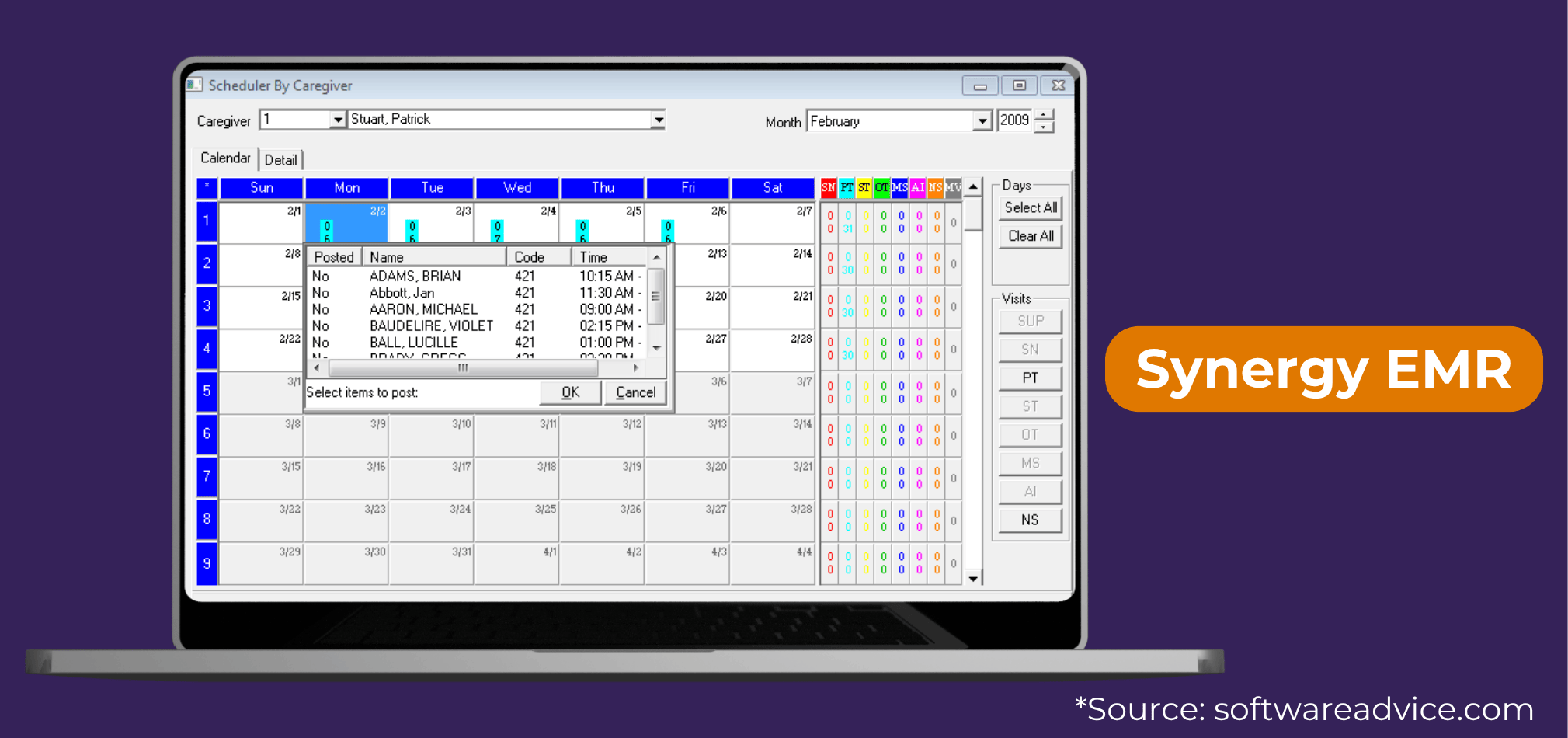
Popularity: 48.2% of our customers use Synergy.
Cost: Starts around $99 per user per month
Why Agencies Choose It:
Synergy is known for simplicity, affordability, and compliance readiness. It offers integrated scheduling, billing, and documentation in a single system that’s easy for staff to learn.
Potential Drawback:
Advanced reporting is limited compared to larger systems, but if your priority is staying compliant and running efficiently, Synergy is a top contender.
Synergy (HealthCare Synergy) Key Features
- OASIS: Supports export for submission
- ALIRTS: Provides data/report for manual ALIRTS entry
- Credit Balance/Cost Report: No built-in; agencies compile manually
- Other: Supports Plan of Care (485), NOAs, and claims billing
Home Health Centre (HHC) from Data Soft Logic: Cost, Pros, and Cons
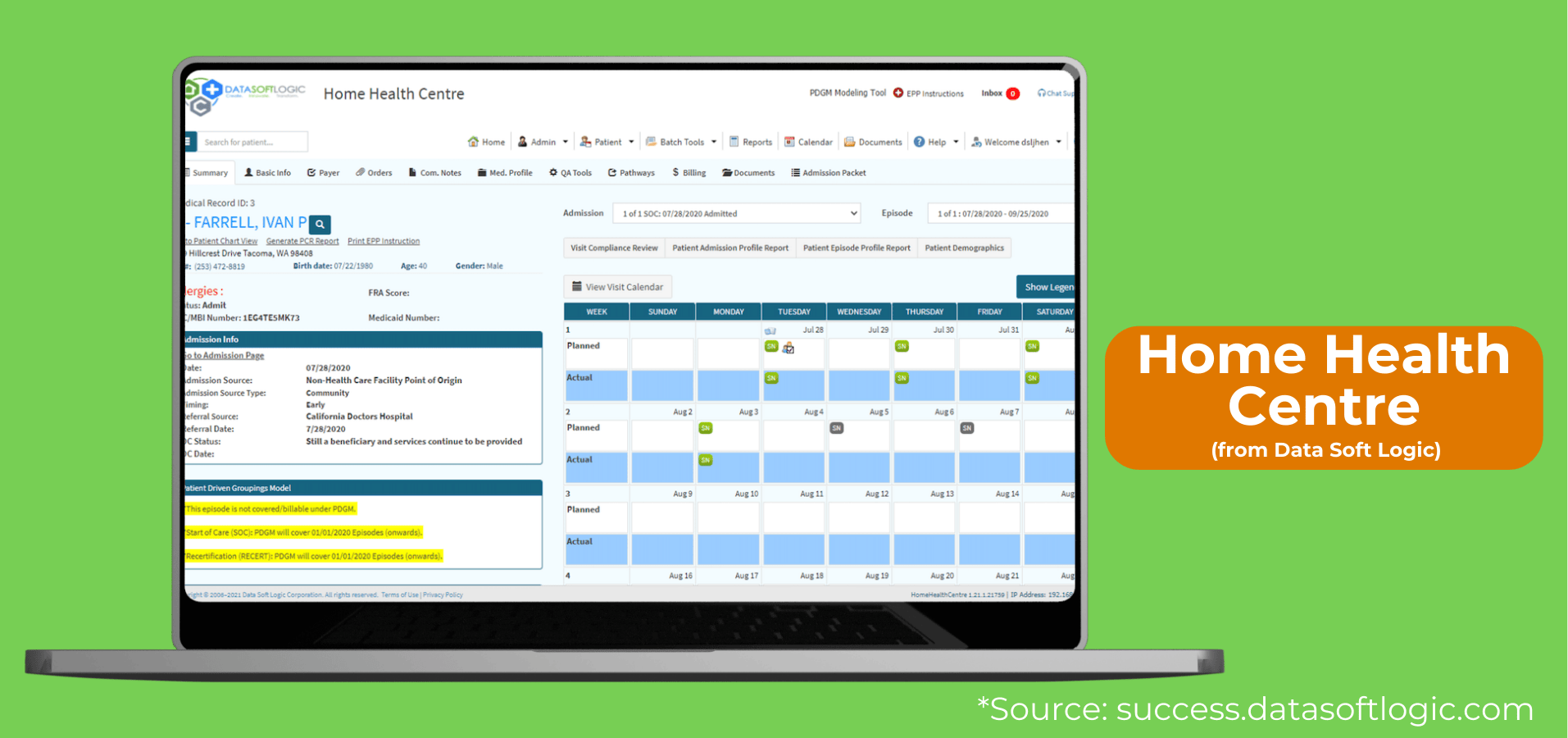
Popularity: Used by 29.4% of our customers.
Cost: Typically $699–$1,000 per month, depending on agency size/census. Home Health Centre emphasizes “all-inclusive pricing and no hidden add-on charges.”
Why Agencies Choose It:
Data Soft Logic offers an all-in-one platform covering intake, scheduling, billing, and compliance. Agencies appreciate the unlimited training and support included in the subscription, making onboarding new staff smoother.
Potential Drawback:
It’s feature-rich, which is fantastic for mid-sized agencies, but may feel overwhelming for very small teams.
Home Health Centre from Data Soft Logic Key Features
- OASIS: Full built-in support with export
- ALIRTS: Provides report for manual ALIRTS entry
- Credit Balance/Cost Report: Data available for external prep
- Other: Plan of Care, orders, NOAs, and billing fully supported
WellySky Home Health (formerly Kinnser): Cost, Pros, and Cons
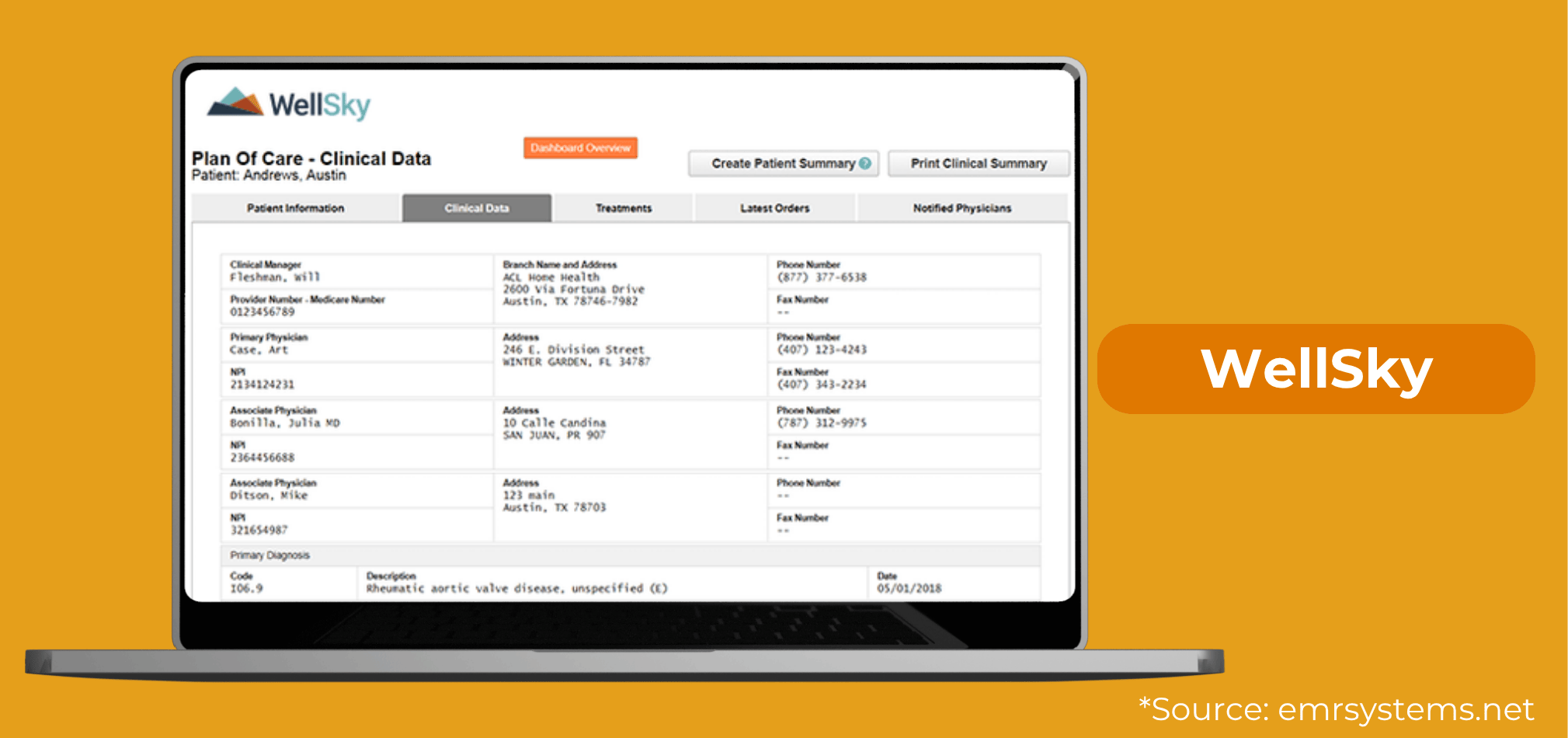
Popularity: Used by 10.6% of our customers.
Cost: Starts around $399 per month for up to 5 users, with some agencies reporting contracts up to $900/month.
Why Agencies Choose It:
WellSky Home Health (formerly Kinnser) has a long-standing reputation for robust scheduling, OASIS documentation, billing, and mobile functionality. Clinicians often find it intuitive at the point of care.
Potential Drawback:
Higher costs and multi-year contracts can make this choice less flexible, especially for newer agencies. Further their menu changes on each page making it difficult for new users to adjust to.
WellSky Home Health Key Features
- OASIS: Built-in with export
- ALIRTS: Report for manual entry
- Credit Balance/Cost Report: Not supported directly; handled externally
- Other: Plan of Care, NOAs, billing, and standard home health forms
Axxess Home Health: Cost, Pros, and Cons
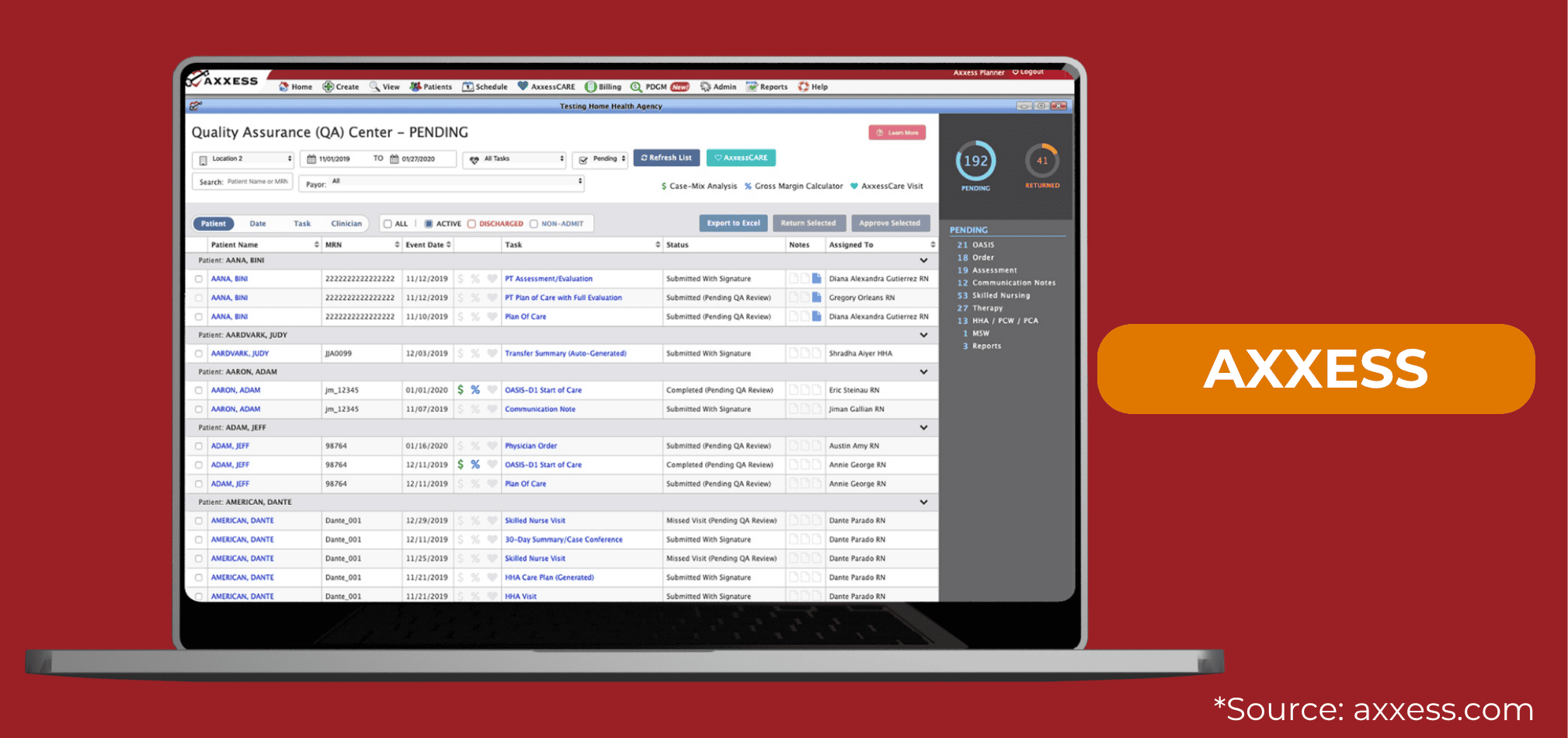
Popularity: Used by 5.9% of our customers.
Cost: Starts around $899 per month, with a one-time setup fee. Pricing is based on active patient census, not number of users. No long-term contracts required.
Why Agencies Choose It:
Axxess offers enterprise-level features with small-business-friendly flexibility. Its modern apps allow offline charting, wound photo uploads, and built-in PDGM analysis. Plus, agencies love that they’re not locked into long contracts.
Potential Drawback:
Setup can be intensive, but unlimited training is included to support your team.
Axxess Key Features
- OASIS: Built-in with export
- ALIRTS: Provides report for ALIRTS entry
- Credit Balance/Cost Report: Partial – some data reports available but submission done externally
- Other: Plan of Care, NOAs, billing, and customizable forms included
Netsmart myUnity (formerly DeVero): Cost, Pros, and Cons
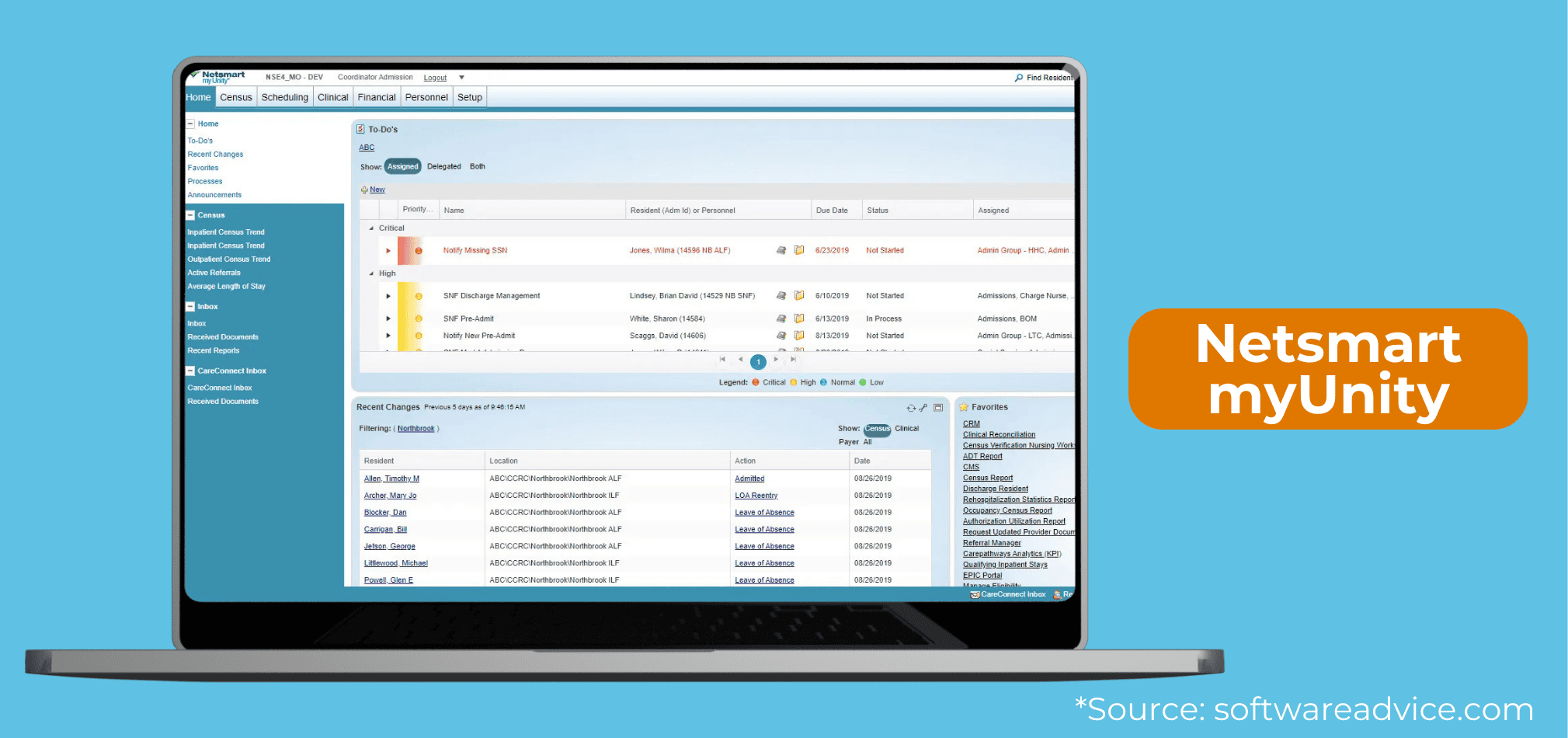
Popularity: Used by 2.9% of our customers.
Cost: Custom quotes only; tends to be higher priced given its enterprise focus.
Why Agencies Choose It:
Netsmart myUnity is ideal for agencies planning to expand into hospice or multiple services, with advanced analytics and interoperability with hospitals and health systems.
Potential Drawback:
Often too complex and costly for purely small home health agencies.
DeVero (Netsmart myUnity) Key Features
- OASIS: Export supported; optional direct submit add-on
- ALIRTS: Report available for manual entry
- Credit Balance/Cost Report: Data accessible for external prep
- Other: Comprehensive forms, NOAs, billing, plan of care
HomeHealthMD: Cost, Pros, and Cons
Popularity: Used by 1.8% of our customers.
Cost: Not publicly listed, but positioned as affordable for small to mid agencies. Uses a custom quote-based pricing model.
Why Agencies Choose It:
Provides real-time charting, compliance alerts, QAPI reports, and a user-friendly design. Agencies focused on compliance appreciate its targeted features.
Potential Drawback:
Limited advanced integrations compared to larger systems.
HomeHealthMD Key Features
- OASIS: Supports export
- ALIRTS: Provides report
- Credit Balance/Cost Report: Unknown due to limited public detail
- Other: NOAs, Plan of Care
Tebra (formerly Kareo + PatientPop): Cost, Pros, and Cons
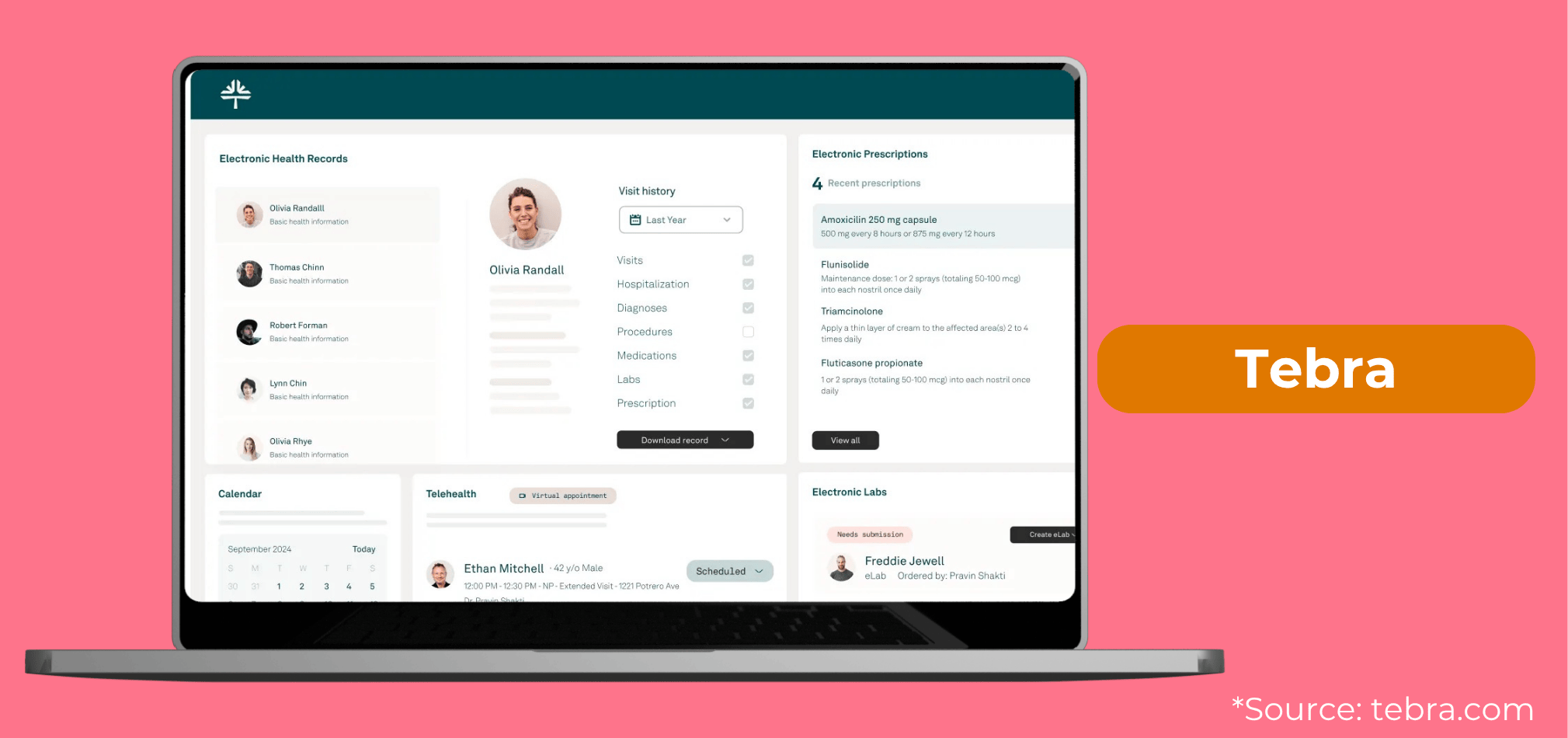
Popularity: Used by 0.6% of our customers.
Cost: Agencies report $150–$300 per provider per month for the core EMR product. The Tebra website encourages getting a custom quote because they can bundle different services.
Why Agencies Choose It:
Primarily used by agencies with in-house physicians or clinics, offering EHR, telehealth, and patient engagement tools. This is generally for agencies that are not in the Medicare program.
Potential Drawback:
Not designed for home health OASIS documentation or PDGM billing.
Tebra (Kareo) Key Features
- OASIS: Not supported
- ALIRTS: Not supported
- Credit Balance/Cost Report: Not supported
- Other: Not a home health EMR; no relevant forms
JN Cloud: Cost, Pros, and Cons
Popularity: Used by 0.6% of our customers.
Cost: Not publicly available.
Why Agencies Choose It:
Likely provides basic EMR, scheduling, and billing functions in a simple platform.
Potential Drawback:
Limited public data makes due diligence critical before considering this niche solution.
JN Cloud Key Features
Due to limited information available, in our research we were unable to confirm any of the features available with JN Cloud.
Which Home Health Software Should You Get for Your Agency?
Choosing the right EMR is one of the most impactful decisions you’ll make for your agency’s efficiency, compliance, and profitability.
Each platform has strengths depending on your needs. For affordability and simplicity, Synergy shines. For an all-inclusive platform, Data Soft Logic excels. For flexible enterprise features, Axxess is a leader.
Before signing any contract, request demos, ask detailed questions about hidden costs and support, and involve your field staff in testing usability. The “best” software is the one your team actually uses effectively every day.
If you're looking for home health software, you're probably also looking for survey-readiness consulting. To compare your options for Medicare survey-readiness consultants, check out the article below.

*Disclaimer: The content provided in this article is not intended to be, nor should it be construed as, legal, financial, or professional advice. No consultant-client relationship is established by engaging with this content. You should seek the advice of a qualified attorney, financial advisor, or other professional regarding any legal or business matters. The consultant assumes no liability for any actions taken based on the information provided.
Topics: